Your screen is the light.
Hueo turns an iPhone, iPad, Android phone or tablet, or an Apple silicon Mac into a calibrated light source and color reference. It is made for photographers, filmmakers, gaffers and lighting designers. Browse real gels, dial in a Kelvin temperature, or fill the screen with one exact color and take it on set.

 Coming soon
Free to use. Hueo Pro unlocks VFX Trackers, Favourites and Hide All.
Also coming to the web.
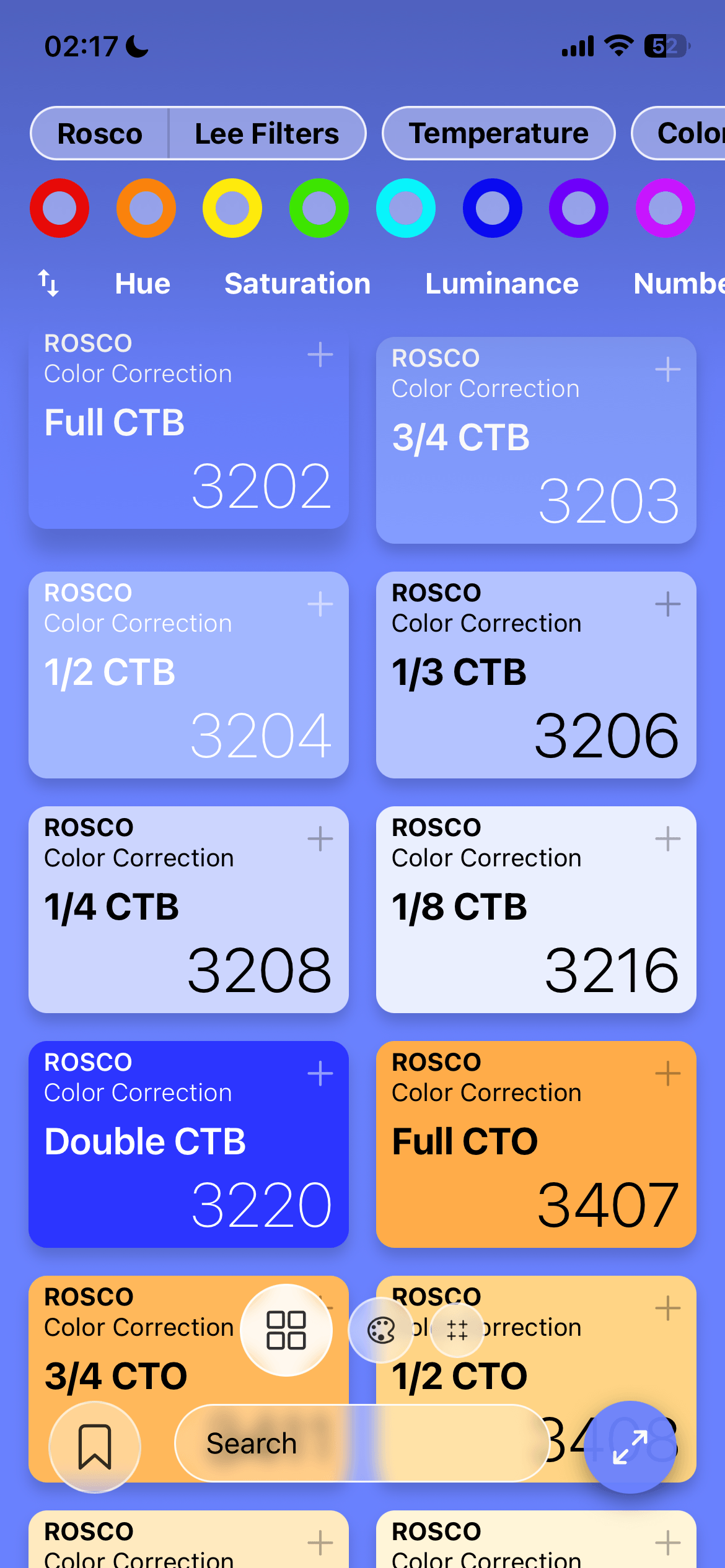
Rosco 3202 Full CTB Tap a swatch and this page takes its color, the way the app does with your screen
What it does
The gel library
325 Rosco and LEE Filters gels: color correction, CalColor, Cinelux, the 600 and 700 series, cosmetic and the Storaro Selection. Search by code, name or color family, filter by brand or category, and sort by hue, saturation, luminance or gel number.
Advanced color picker
Move between RGB, HSL and HSV until you find the tone. One tap copies any value, and if you already have a HEX code, type it in and the wheel follows.
CCT - Kelvin emulation
Any color temperature from 1000 K to 10000 K, with a green/magenta tint on top. You can type both values when you need an exact number.
VFX Trackers Pro
Crosshairs, circles, chessboards, triangles, or your own image as a marker, in any color and four sizes. A high-density grid and a perimeter-only layout are there for busier tracking setups.
Favourites Pro
Keep the gels you actually use one tap away, and narrow the whole library down to them.
Hide All Pro
Hides every control and fills the display, edge to edge, with pure color. Double tap to get the interface back.
Color temperature, end to end
CCT mode covers the range you actually work in, from a candle-warm 1000 K through tungsten and daylight to a cold 10000 K. The green/magenta tint axis helps when you are matching practicals and fluorescents.
The app has four presets, one tap away. These are the exact colors it computes for them:
Inside the app
-
Color gel library325 Rosco and LEE Filters gels. Filter by brand, temperature, category or color family, or just search. -
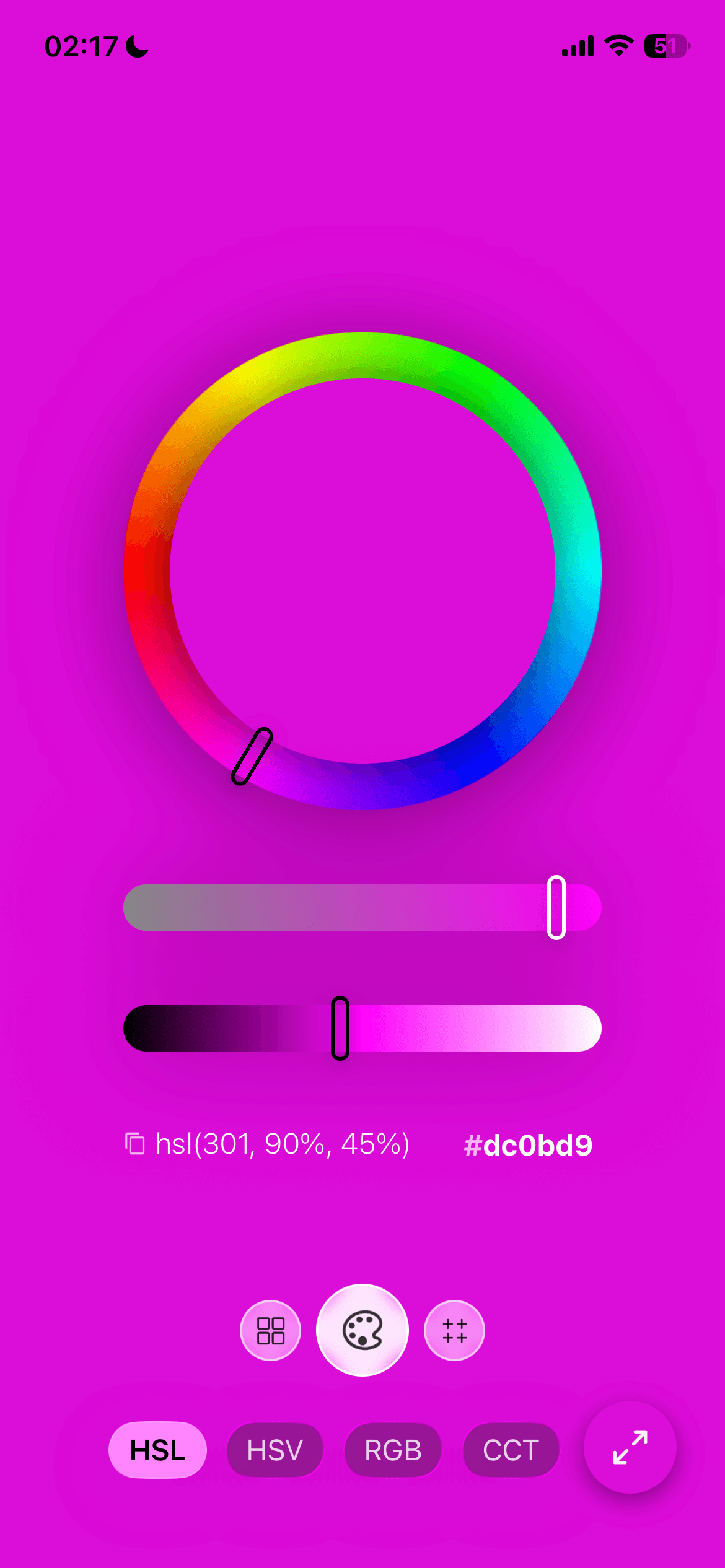
Advanced color pickerHSL, HSV and RGB sliders, one-tap copy and a HEX code you can type. -
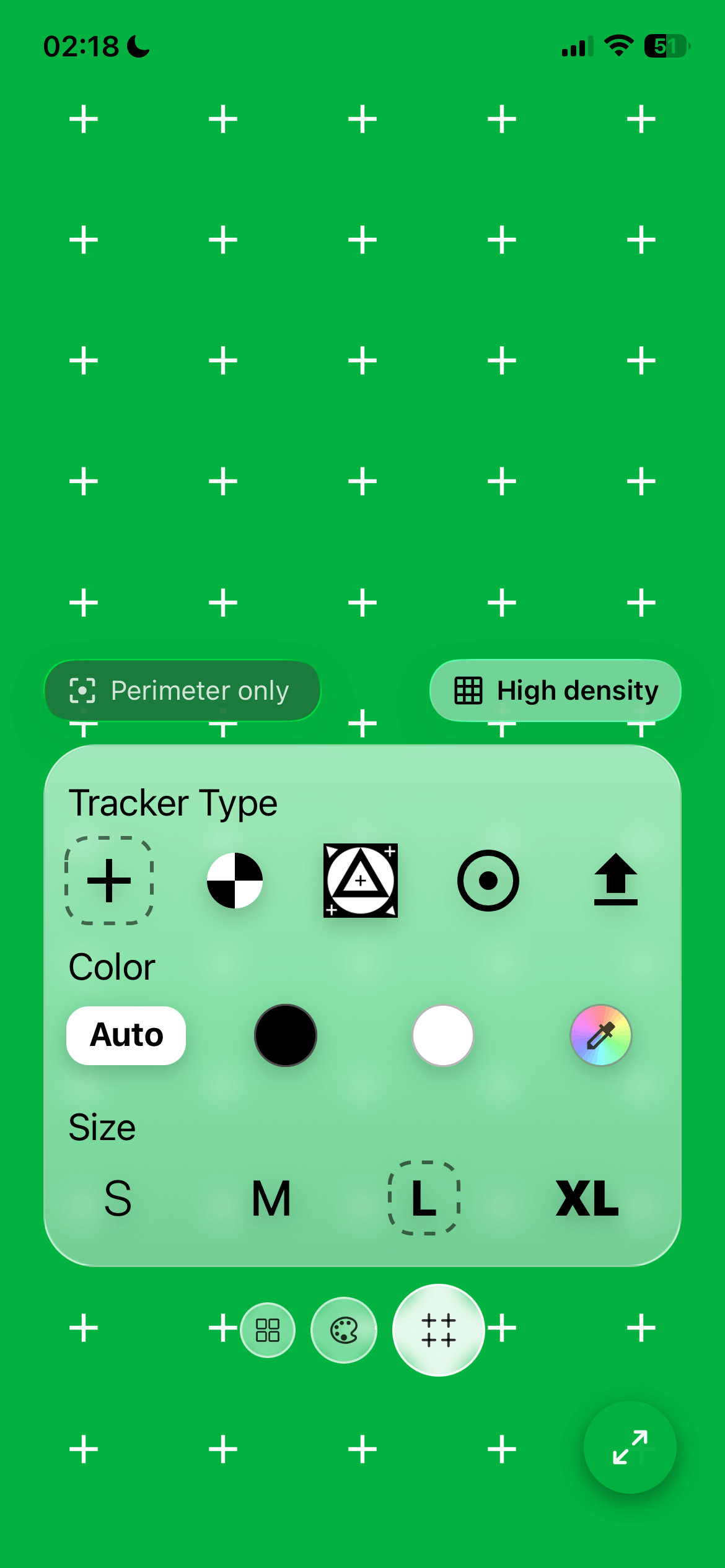
VFX Trackers (Pro)Crosshair, chessboard, triangle, circle or your own image, in any color and four sizes. Fill the whole screen with a grid of markers, or keep only the perimeter. -
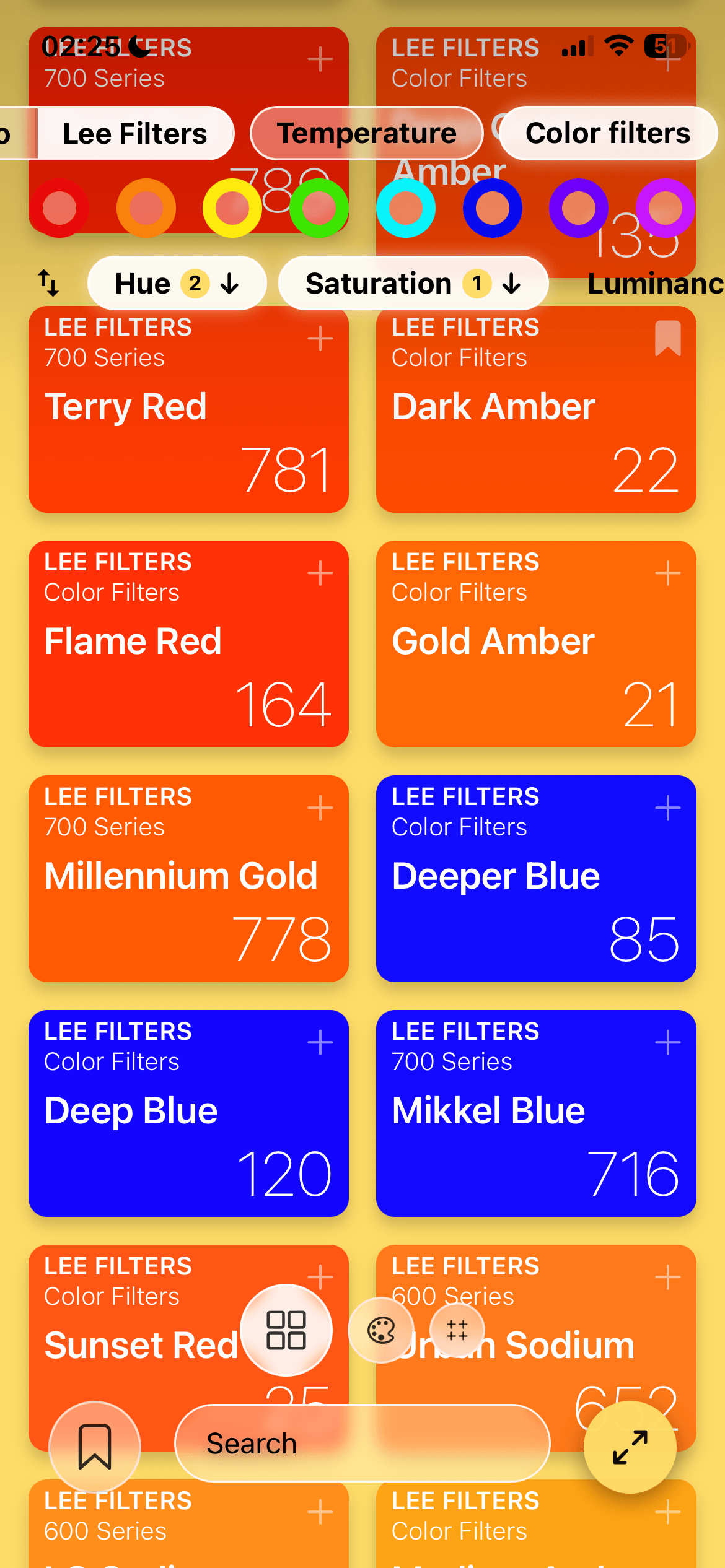
Multi-layer sortingOrder by hue, saturation, luminance or gel number, up or down. Turn on a second criterion and it breaks the ties; the numbers show which one decides first. -
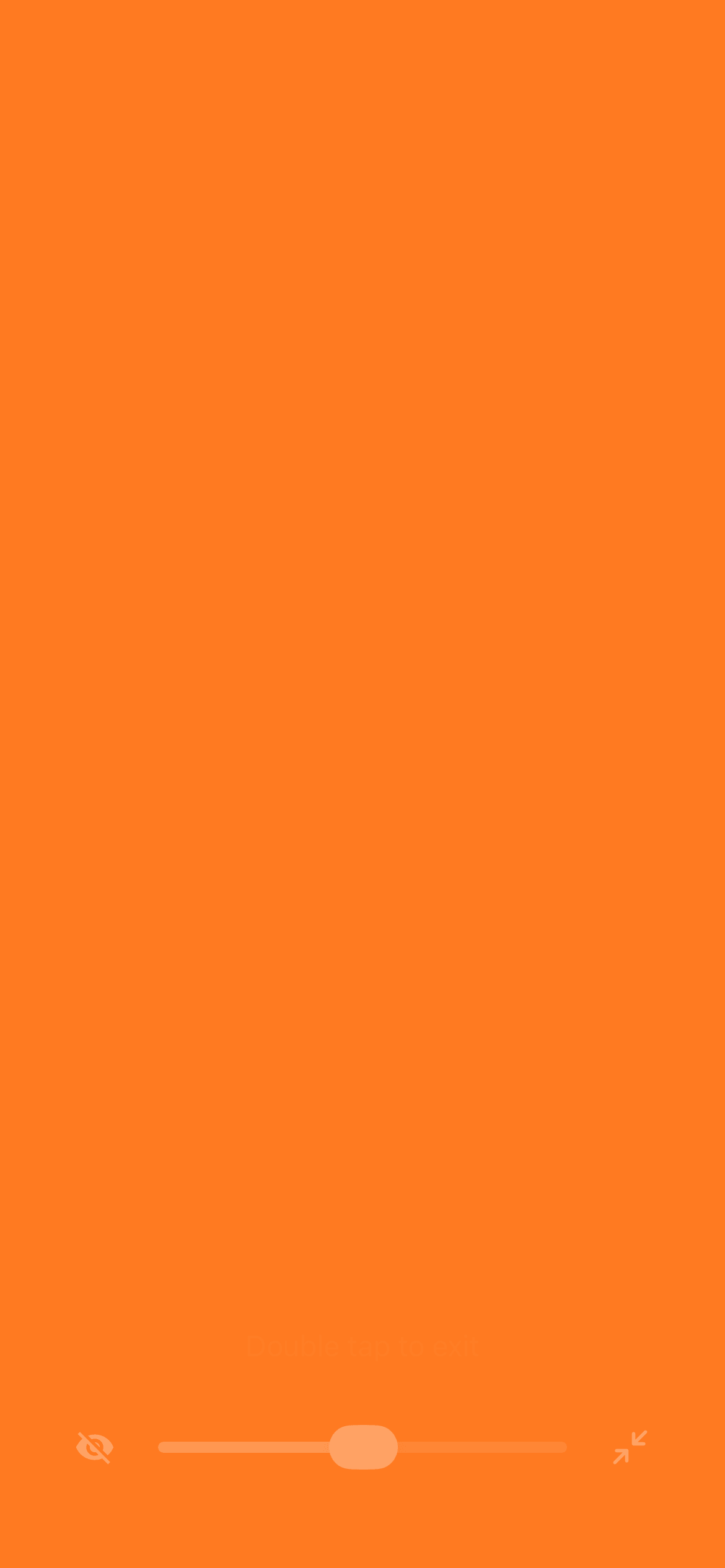
Full screen modeTap the corner button and every control goes away, leaving only the color. A brightness slider is still there when you need it (except in Hide All mode). -
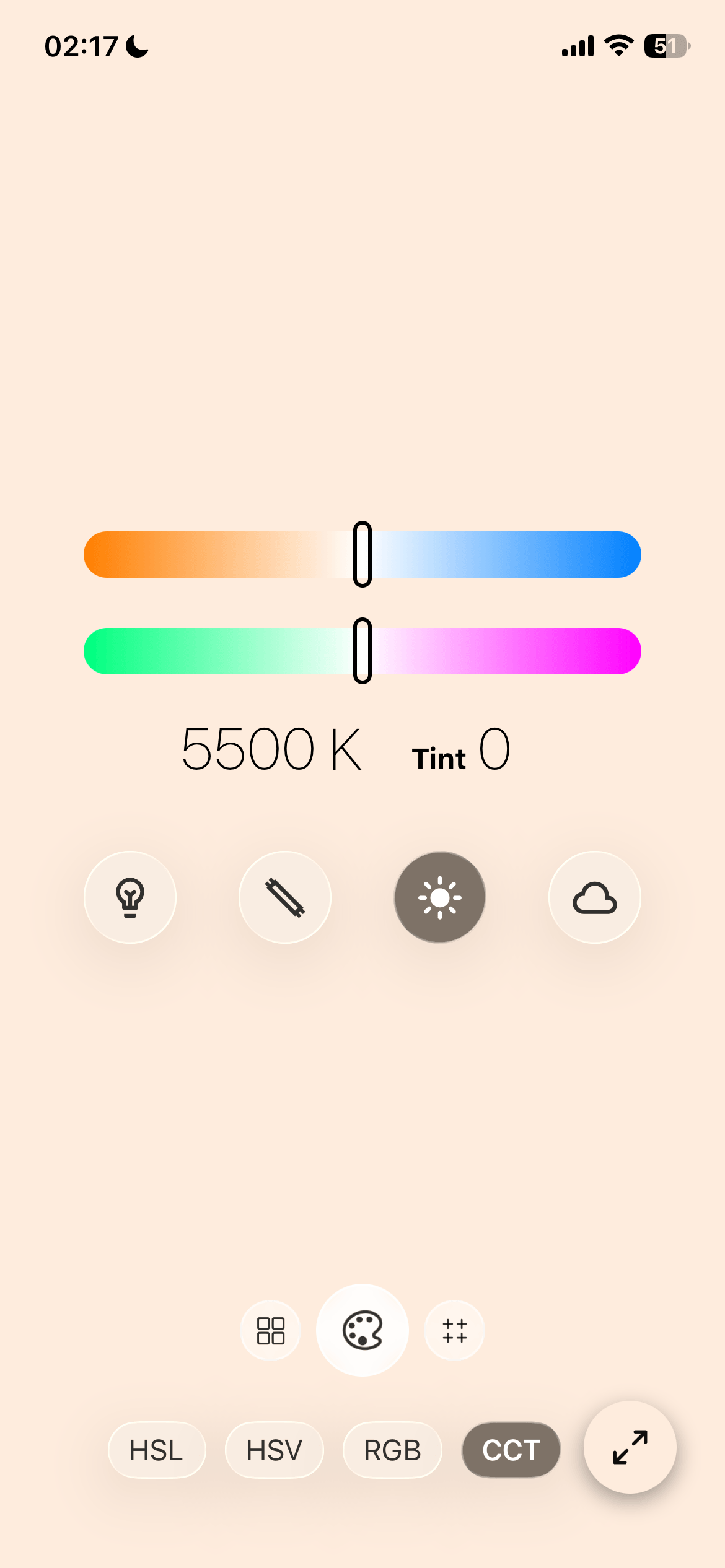
CCT - Kelvin emulationKelvin and green/magenta tint, with tungsten, fluorescent, daylight and cloudy presets. -
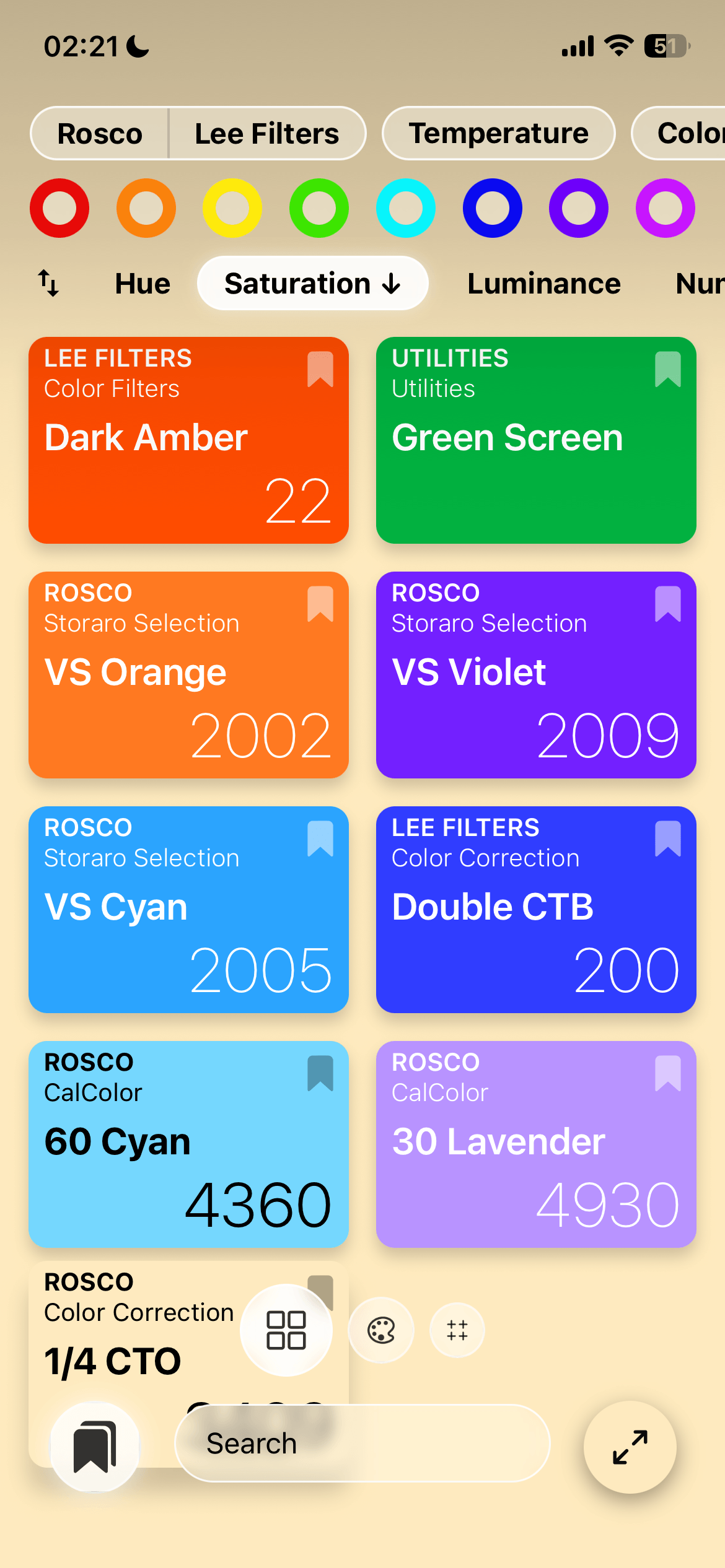
Favourites (Pro)Bookmark the gels you reach for most and bring them back with one tap on the bookmark button.
Accuracy
Every color in Hueo is calibrated at D65 (6500 K), the standard most displays are calibrated to. To get as close as possible to a physical gel, turn off Night Shift and True Tone, and set the brightness on purpose. There is a brightness slider inside the app, so you do not have to leave it.
Hueo is a creative and preview tool, but it's not a measuring instrument. It does not replace a colorimeter or a physical gel, and what comes out of the screen depends on your display.
Hueo Pro
The gel library, the color picker and CCT mode are free, with no ads and no account. Hueo Pro adds VFX Trackers, Favourites and Hide All, and whatever I add to it later.
Prices appear in the App Store or on Google Play, in your local currency. Subscriptions renew unless you cancel at least 24 hours before the period ends, and you can manage them in your Apple ID settings or in Google Play. See the Terms & Conditions.
Privacy
No account, no analytics, no ads, no tracking, no location. Your favourites and settings stay on your device. The only data that leaves it is what Apple or Google need to process a purchase. The full Privacy Policy has the details.